Why this game
I had an MSX, and my cousin had a ZX Spectrum (a TK90). When he came over, we played Konami's Soccer on my MSX; when I visited him, we played Sabre Wulf on his Spectrum. Sabre Wulf was very challenging, too hard for me: I always wished I could save my game, and that I had a map. So, with Claude's help, I made Wulf Quest, this alternate version, with saves and a map, for the PC and for the MSX2. I hope you enjoy it!
Sabre Wulf and Soccer are their owners' trademarks; Wulf Quest is not affiliated with them (see About below).
Play it in your browser
With WebMSX, an MSX emulator that runs in the browser. Pick a machine; the ROM loads straight from this site.
The game runs at the same speed on both. If WebMSX does not start it, open WebMSX, drop the downloaded ROM on its screen and choose the ASCII16 format.
Screenshots
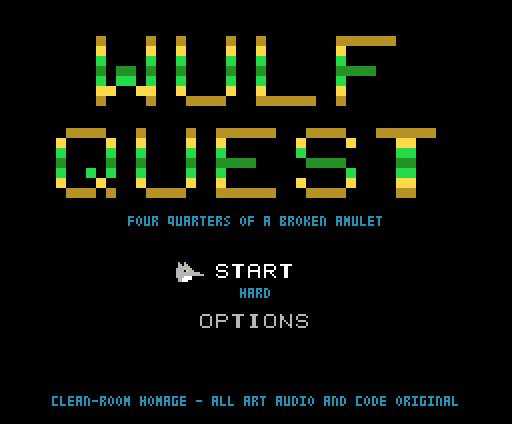
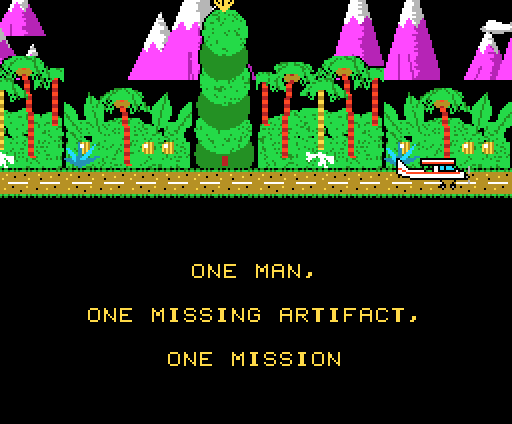
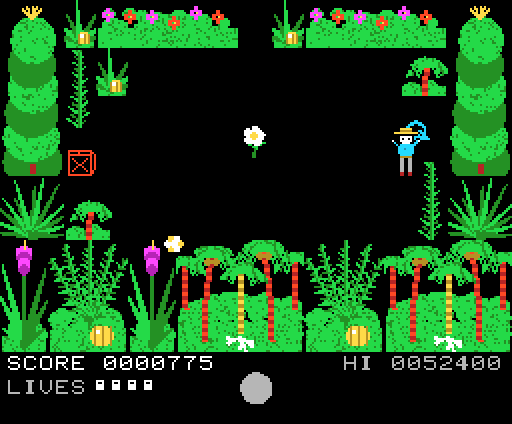
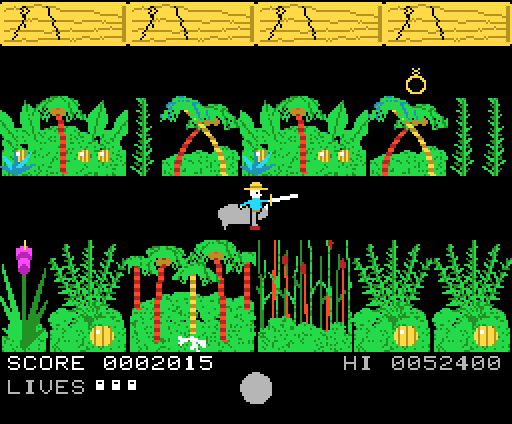
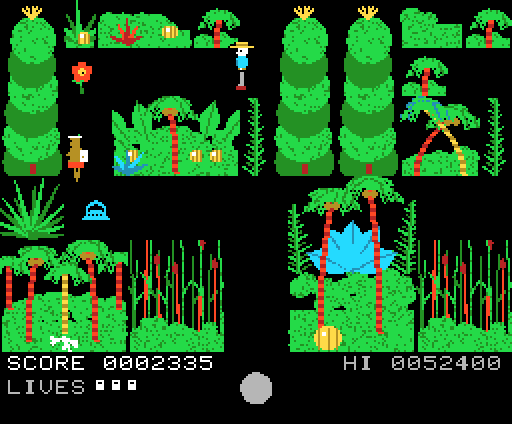
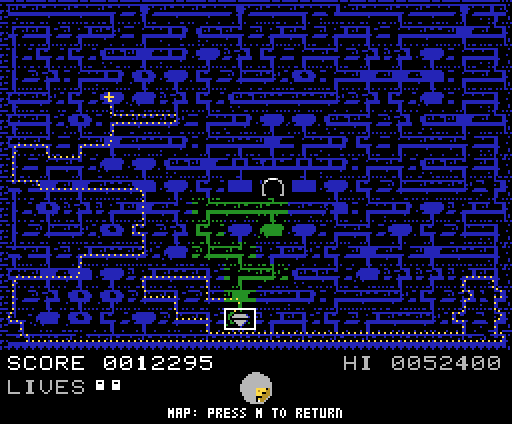
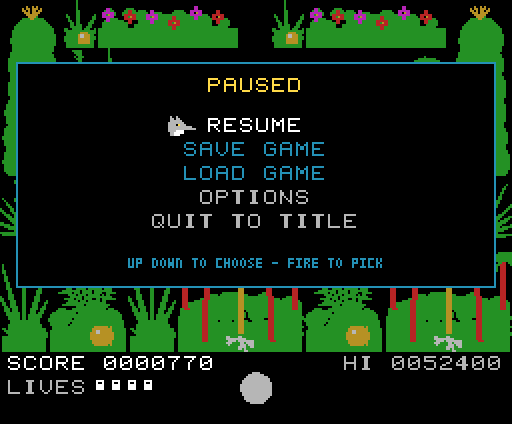
On openMSX's C-BIOS MSX2.
Download
A 512 KB ASCII16 MegaROM. It needs an MSX2, an MSX2+ or a turbo R (on an MSX1 it says so). Tagged versions, when there are some, are on the releases page.
Play it on your computer
openMSX
openMSX comes with C-BIOS, a free MSX BIOS, so it plays without any system ROM of your own:
openmsx -machine C-BIOS_MSX2_EU -carta wulfquest.rom -romtype ASCII16Use C-BIOS_MSX2_JP for a 60 Hz machine, or any real
MSX2 openMSX knows, if you have its system ROMs.
Other emulators
blueMSX, fMSX and the rest: load the ROM as a cartridge on an MSX2 machine and, if asked, choose the ASCII16 mapper.
A real MSX2
Write the ROM to a flash cartridge that can be an ASCII16 MegaROM of 512 KB. Saving needs a disk drive (see below).
Controls
| Walk | cursor keys (or Q A O P, in the options), or a joystick |
|---|---|
| Swing the sabre | Space or fire |
| Map | M or the second button |
| Pause | STOP or F1 |
| Back a step | ESC |
Saves
Three slots, saved every minute and from the pause menu, on a disk in the machine's drive; the last game is offered first on the title. Without a disk drive the game plays the same, without saves. In a browser emulator a save lasts only as long as its disk does.
About
This is the MSX2 version of Wulf Quest, played the same way, tick for tick: SCREEN 5, layered hardware sprites with a colour a line, the PSG for sound and music. Its source, and how to build it, is on GitHub.
Credits and attribution
Wulf Quest is an independent, clean-room homage to the flip-screen jungle maze genre of the early 1980s. All artwork, audio, and code are original. Room layout geometry was reconstructed from publicly documented map data. No assets from any commercial game are included. Not affiliated with, endorsed by, or derived from the code of any prior work.
Built with MSXgl, the MSX game library by Guillaume "Aoineko" Blanchard (CC BY-SA 4.0).
Licence
Free software under the GNU General Public License, version 3 or (at your option) any later version.